

Username and Password Organizer | Excel Template | Login Tracker Spreadsheet | Password Log with Review Reminders | Instant Download
✨ USERNAME & PASSWORD ORGANIZER — EXCEL
Another login to remember? Let’s get it organized! ✨
Keep your account details together in one clean, sage-and-grey Excel workbook. Track where you sign in, your username, password hints, recovery details and more—so “where did I put that login?” becomes a quick look instead of a search.
No subscription, no extra app, no macros. Just Excel and a little less to remember. ✨
✨ WHAT YOU CAN DO
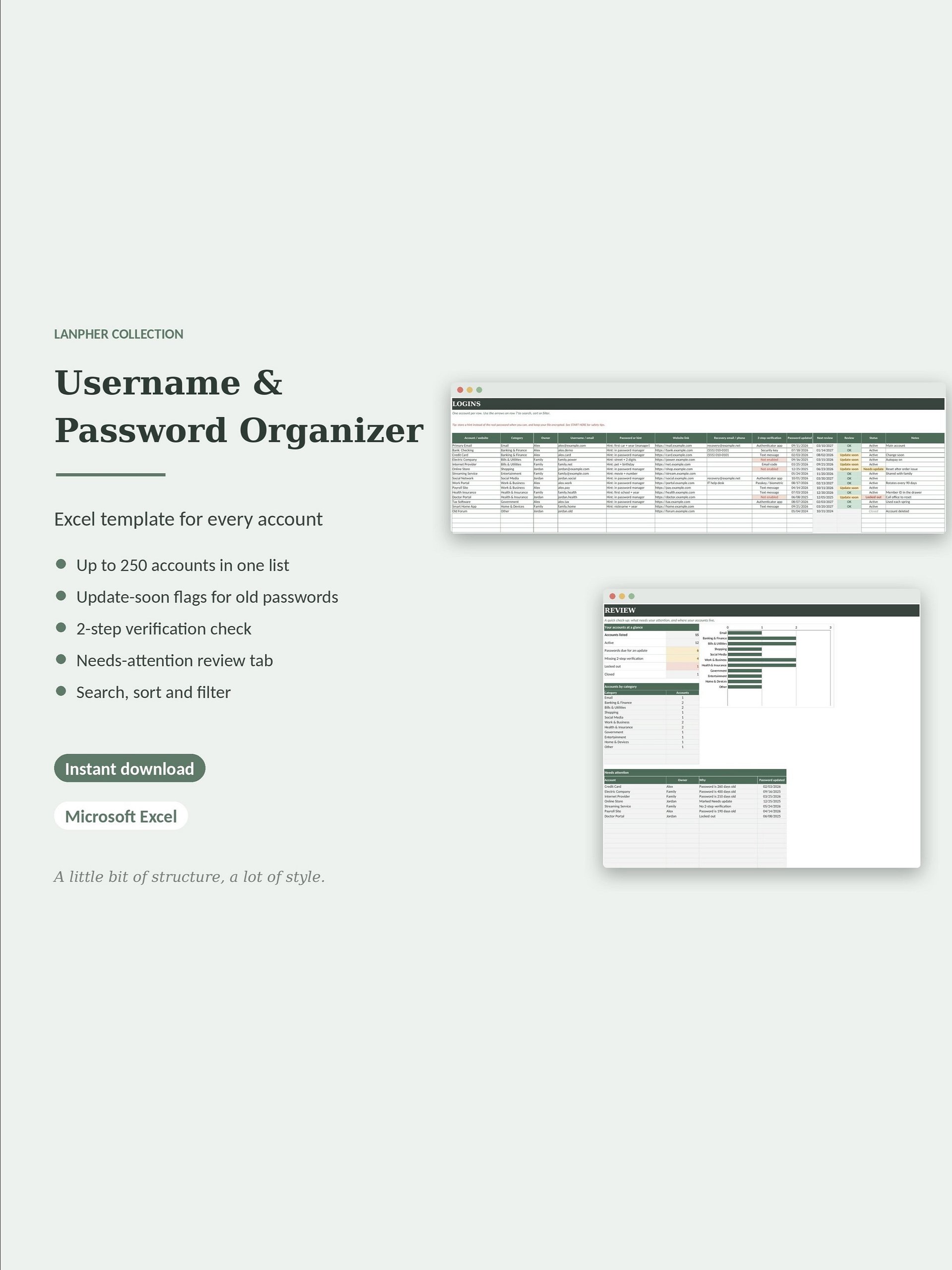
• Organize up to 250 accounts in one searchable list.
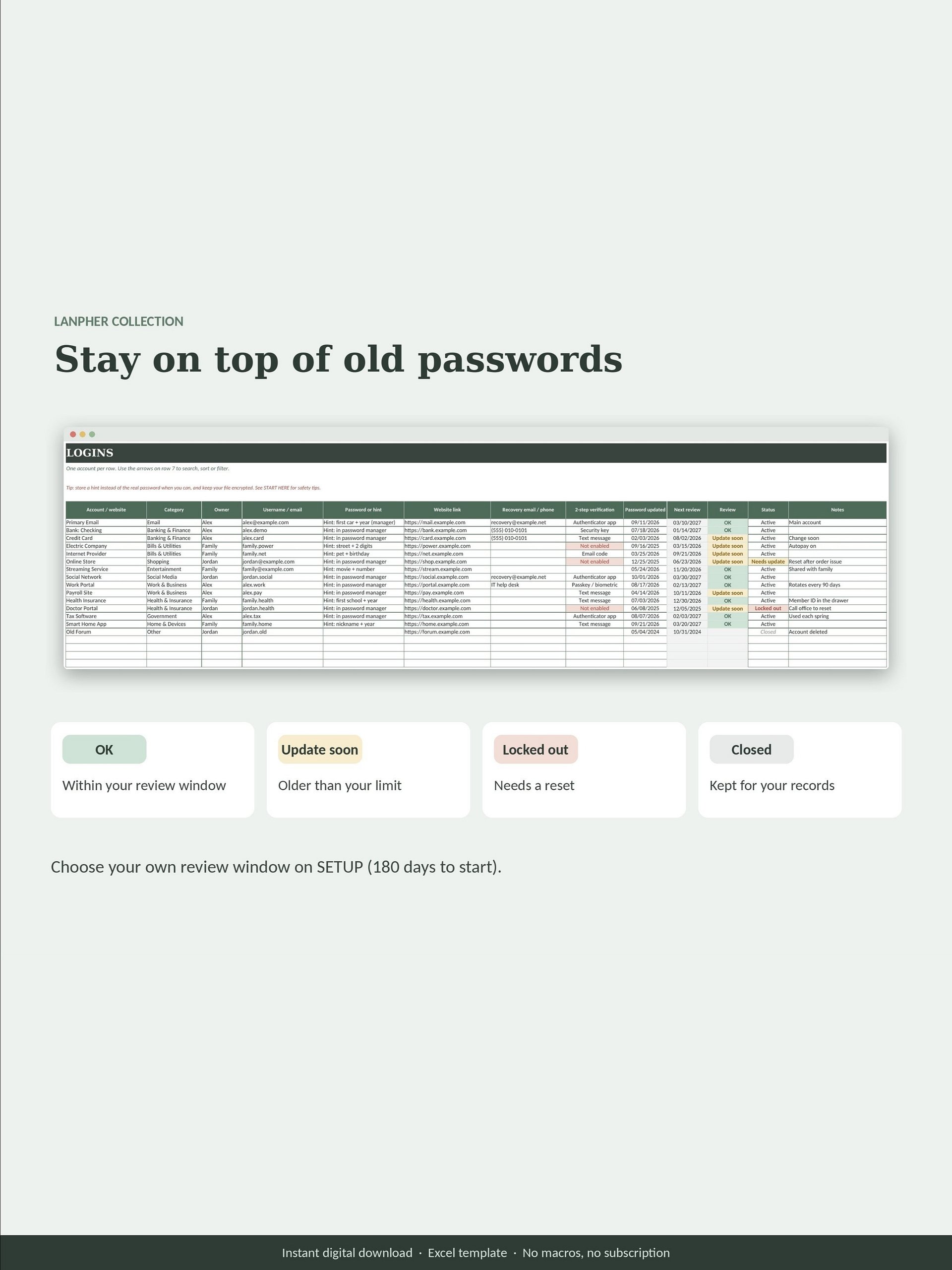
• Record websites, usernames, password hints, recovery emails or phone numbers, 2-step verification methods and notes.
• Get an automatic “Update soon” flag based on your chosen password review window—set to 180 days to start.
• Mark accounts Active, Needs update, Locked out or Closed.
• Easily search, sort and filter your account details.
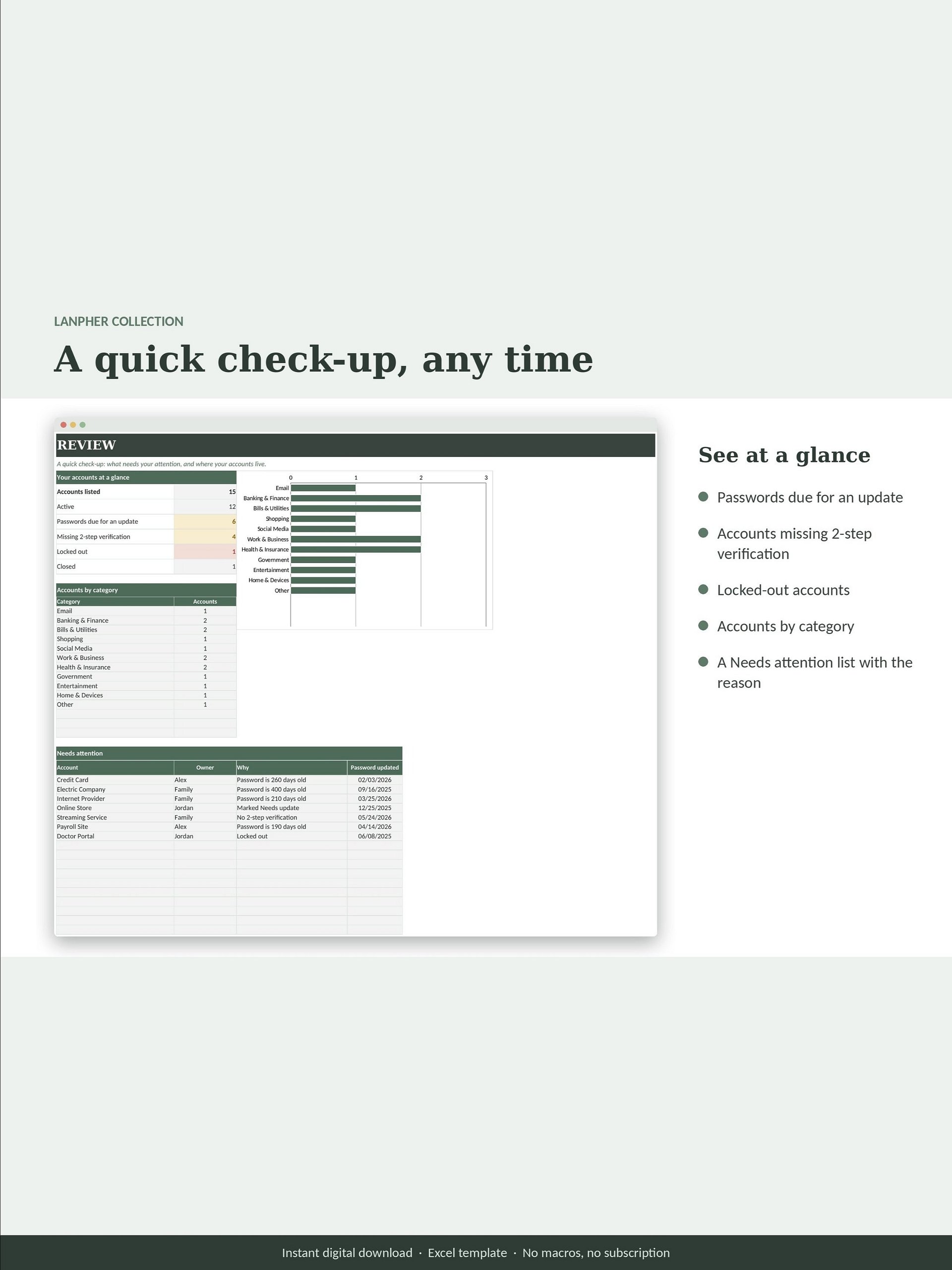
• View a REVIEW dashboard with passwords flagged for review, accounts missing 2-step verification, locked-out accounts, a Needs attention list and a chart of accounts by category.
• Organize personal, family or small-business accounts with an optional Owner column.
✨ TAKE A PEEK INSIDE
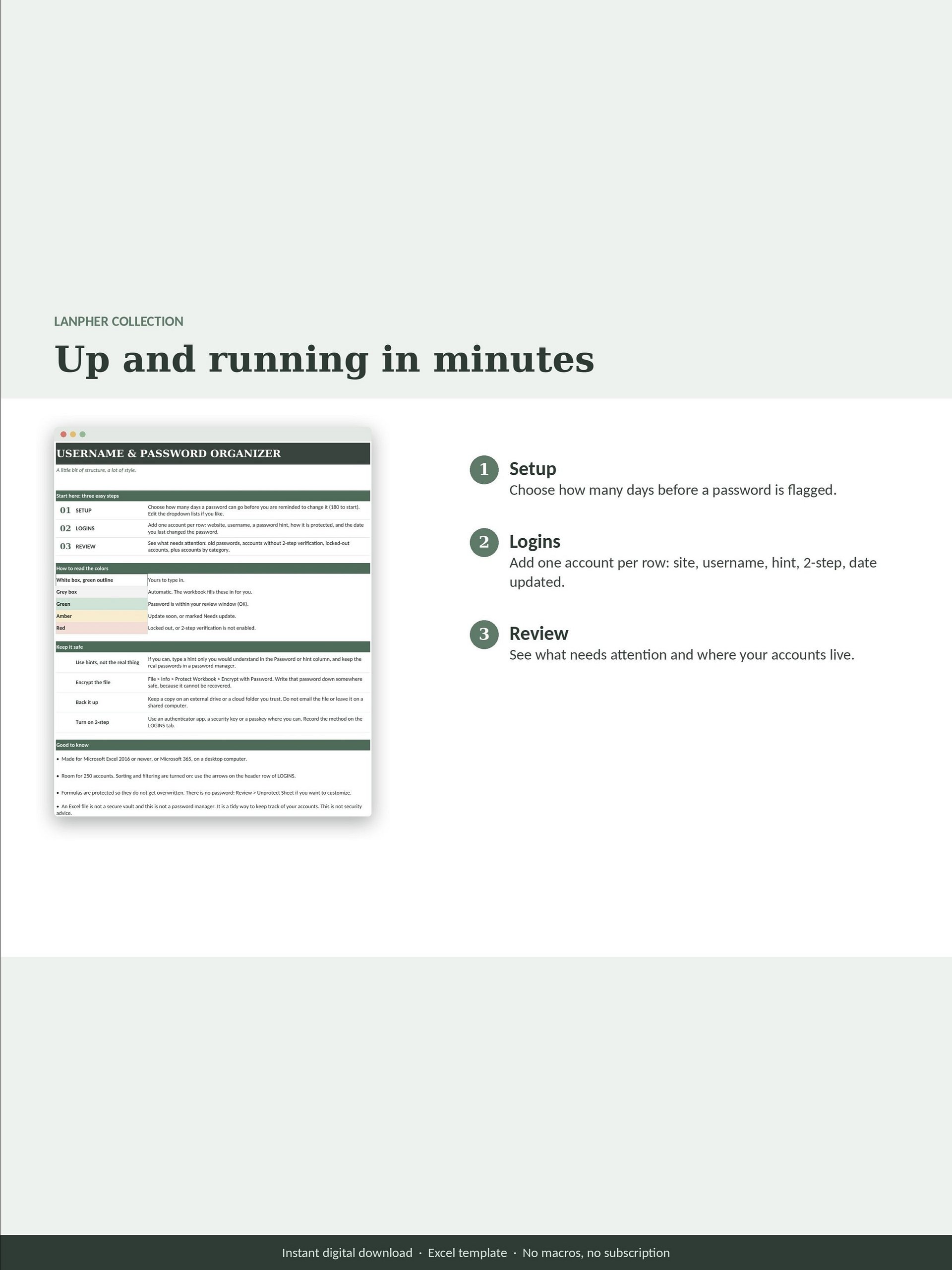
• START HERE — Three easy steps, a color key and safety tips to get you going.
• SETUP — Choose your review window and customize dropdown lists for categories, 2-step methods and owners.
• LOGINS — Keep your account details together, with 11 starter categories you can rename.
• REVIEW — See your account check-up and Needs attention list at a glance.
✨ YOUR DOWNLOAD INCLUDES
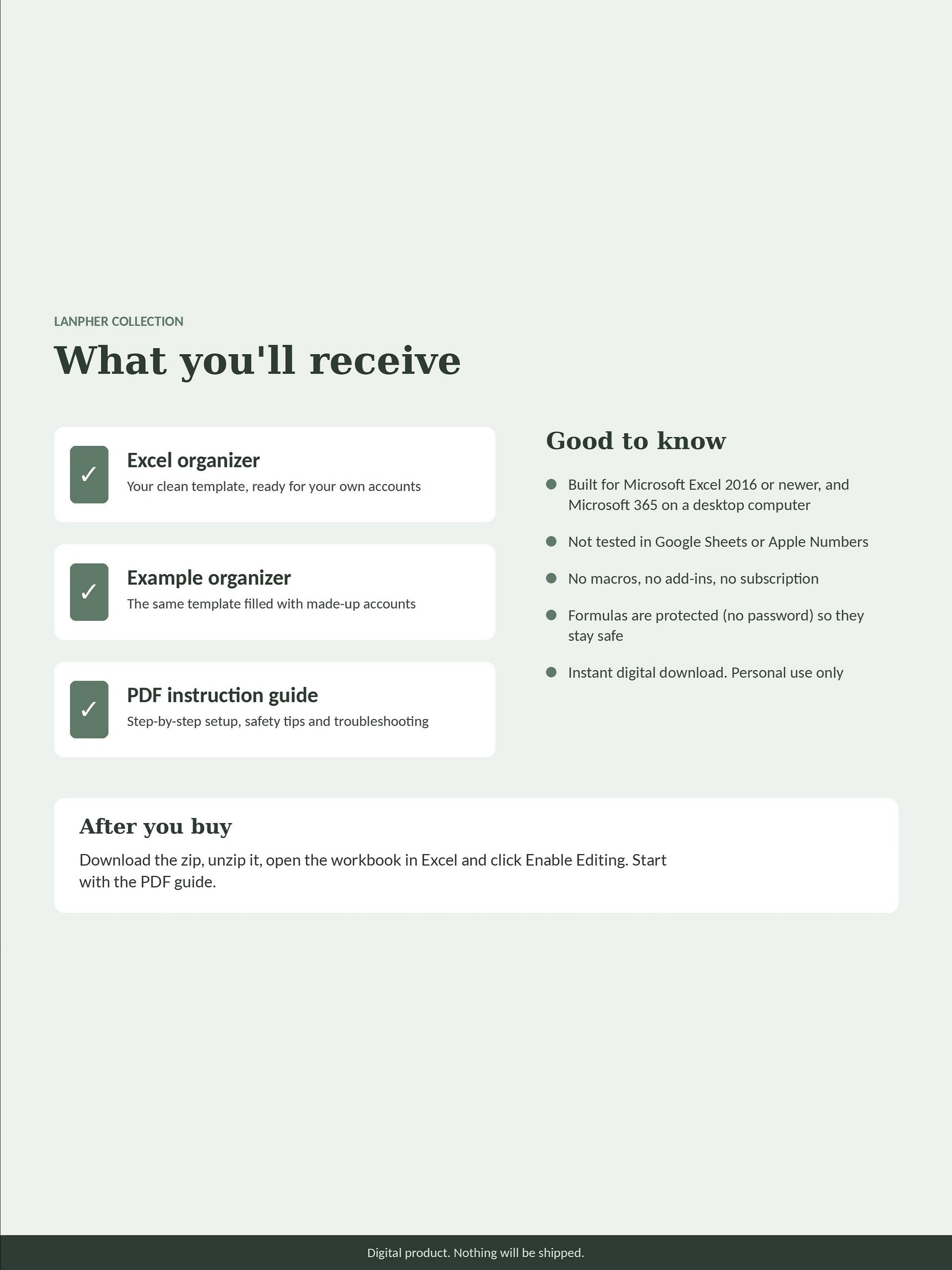
1. A blank Excel organizer (.xlsx), ready for your account details.
2. An example organizer with made-up accounts to show you how everything works.
3. A step-by-step PDF instruction guide.
All three files come together in one ZIP file.
This is a digital download. No physical item will be shipped.
✨ A NOTE ABOUT KEEPING IT SAFE
This workbook is an account organizer—not a password manager or secure vault. The guide explains how to use hints instead of full passwords, encrypt your Excel file with a password and create a backup.
The customizable review flag is an organizational reminder, not a security assessment or recommendation to change every password on a fixed schedule. This product does not provide security advice, and you are responsible for keeping your file safe.
✨ GOOD TO KNOW
• Designed for Microsoft Excel 2016 or newer, or Microsoft 365, on a desktop computer.
• Not tested in Google Sheets, Apple Numbers or Excel on the web; some features may not work properly in those programs.
• No macros, add-ins or subscription required. The workbook does not connect to the internet.
• Formula cells are protected against accidental edits. Sheet protection has no password, so you can unprotect tabs to customize. This is separate from encrypting your file for privacy.
• Personal use only. Please do not resell, share or redistribute the files.
✨ NEED A HAND?
Because this is a digital product, there are no refunds, returns or exchanges. If something is wrong with your file, please message me—I’m happy to help!
A little more organized. A little less “forgot my username.” ✨
Lanpher Collection